
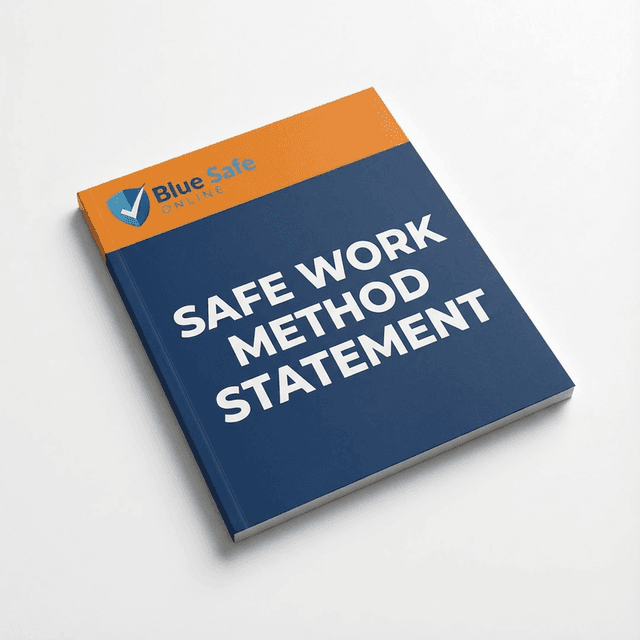
Office Ergonomics and Workstation Safety SWMS
This SWMS covers office ergonomics and workstation safety, including workstation setup, equipment positioning, posture and breaks.
Activities covered include
- Plan workstation work and discuss ergonomic needs
- Arrange keyboards and mice for comfortable use
- Review workstation issues and complete sign-off
Download immediately
Your editable Word and PDF files are ready to download after purchase.
Acceptance guaranteed
If your client or principal requests changes during document review, BlueSafe will help revise the document at no extra cost and support resubmission until it is accepted.
- 100% Compliant with Australian WHS Acts & Regulations
- Fully Editable MS Word & PDF Formats Included
- Pre-filled Content - Ready to Deploy Immediately
- Customisable - Easily Add Your Logo & Site Details
- Includes 2 Years of Free Compliance Updates
Product Overview
This SWMS covers office ergonomics and workstation safety, including workstation setup, equipment positioning, posture and breaks. It supports planning and managing risks associated with discomfort, access, workstation adjustment and office equipment use.
Activities & Specific Tasks Covered
This document includes task-specific risk controls for:
- Plan workstation work and discuss ergonomic needs
- Check access routes, lighting and shared work areas
- Select and set up suitable chairs and desks
- Adjust seating and support arrangements
- Set desk or lifting-desk height safely
- Position screens and documents to reduce reaching and glare
- Arrange keyboards and mice for comfortable use
- Complete CAD and schematic tasks with workstation considerations
- Use portable electronic devices safely
- Manage posture, movement and work breaks
- Service lifting desks and associated equipment
- Review workstation issues and complete sign-off
Who is this for?
Suitable for contractors, workers, supervisors and businesses carrying out office workstation activities.
Specific Job Steps & Hazards Covered
| Job Step / Activity | Potential Hazards |
|---|---|
| Consult and plan work |
|
| Inspect work area access |
|
| Select suitable furniture |
|
| Adjust seating mechanisms |
|
| Set desk and lifting desk |
|
| Position screens and documents |
|
| Arrange keyboard and mouse |
|
| Complete CAD and schematics |
|
| Use portable electronics |
|
| Manage posture and breaks |
|
| Service lifting desk |
|
| Review and sign off |
|
Need to add specific site requirements?
Use the BlueSafe Portal to tailor this SWMS with site-specific details, job steps, hazards, controls and responsibilities before work starts.
Acceptance Guaranteed: If your client or principal requests changes during document review, BlueSafe will help revise the document at no extra cost and support resubmission until it is accepted.
Legislation & References
The template includes references relevant to the documented work, including:
- Applicable Commonwealth, state or territory WHS/OHS legislation and regulations: apply the relevant primary duty of care, worker consultation, risk-management, workplace-facilities, hazardous-manual-task, plant and electrical-equipment duties in the jurisdiction where the work is performed.
- Model Code of Practice: How to manage work health and safety risks; use as guidance and confirm its approval status in the relevant jurisdiction.
- Model Code of Practice: Work health and safety consultation, cooperation and coordination; use as guidance and confirm its approval status in the relevant jurisdiction.
- Model Code of Practice: Hazardous manual tasks; use as guidance for managing musculoskeletal-disorder risks from repetitive work, sustained and awkward postures, and poorly designed workstations. The Code identifies adjustable workstations, neutral posture, suitable reach distances and posture variation as relevant controls.
- Model Code of Practice: Managing the work environment and facilities; use as guidance for clear access, suitable workstation design, adjustable seating, foot support and avoiding prolonged sitting or standing.
- AS/NZS 4438, Height adjustable swivel chairs, as guidance for chair selection.
- AS 3590.2, Screen-based workstations—Workstation furniture, as guidance for office furniture selection.
- AS/NZS 3760, In-service safety inspection and testing of electrical equipment, as guidance where electrical inspection and testing is required by the organisation or jurisdiction.
Standard SWMS Features (Click to Expand)
- Task-specific job steps, hazards and control measures
- Initial and residual risk ratings
- Assigned responsible persons for each job step
- Plant, equipment and PPE requirements where applicable
- Permits, qualifications and high-risk construction work details where applicable
- Worker consultation, sign-off and review sections
Suitable for Industries
Related templates
$79.50
$96.80
Includes all formats + 2 years updates
Acceptance guaranteed
If your client or principal requests changes during document review, BlueSafe will help revise the document at no extra cost and support resubmission until it is accepted.
$79.50
$96.80
One-time payment